Databases
This informational tab displays molecule databases available for searching. It includes both OpenEye-provided and custom databases. Each tile includes the name, number of molecules, version, 2D/3D capability, and load status.
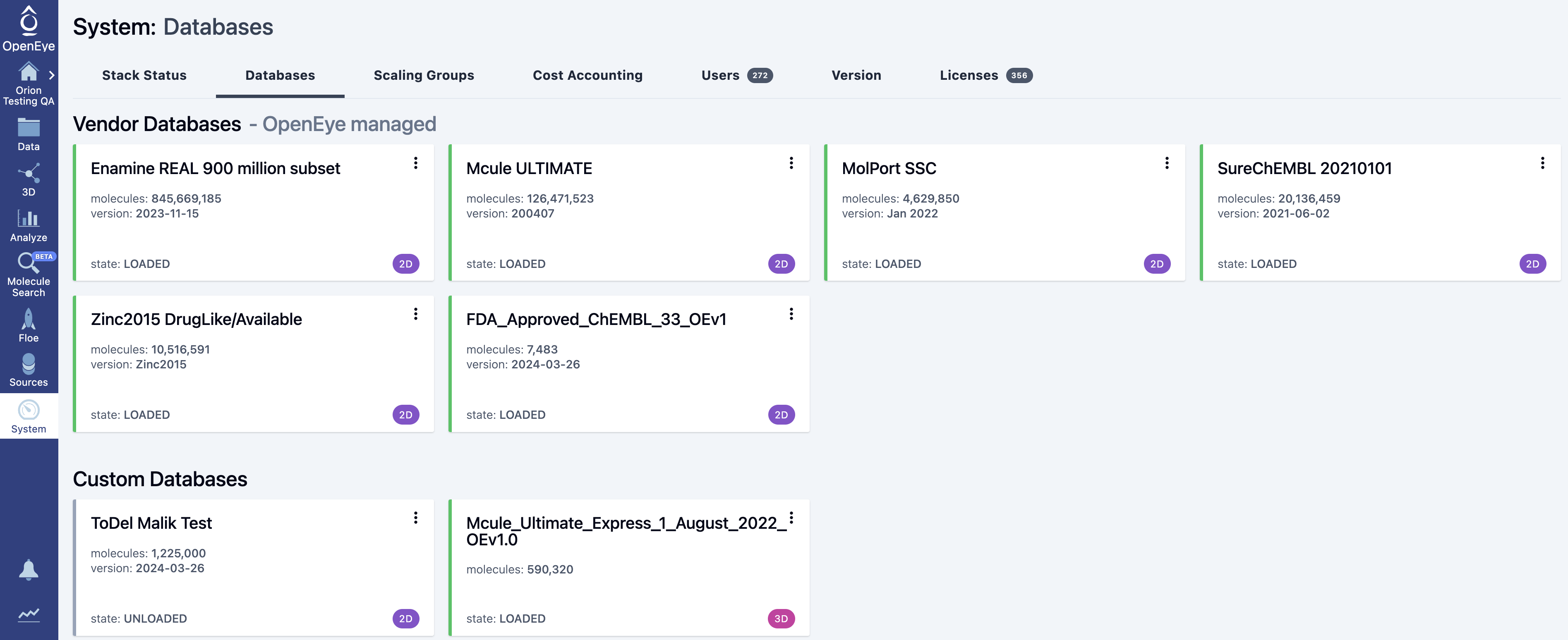
Figure 1. The Databases tab of the System page.
The database tile includes a three-dot menu in the upper right corner. Vendor databases and custom databases that are owned by others include only a “Details” option. This includes additional information about the database. Custom databases that you own include the “Details” option, as well as the ability to start, stop, and delete the database. All custom databases allow you to retrieve the logs for the database for a given time period.
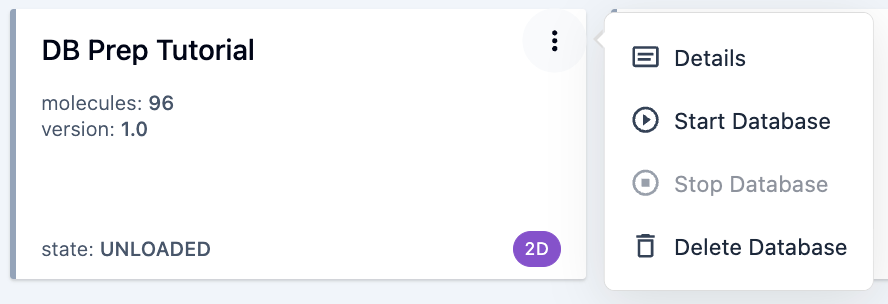
Figure 2. Options for the owner of a custom database.
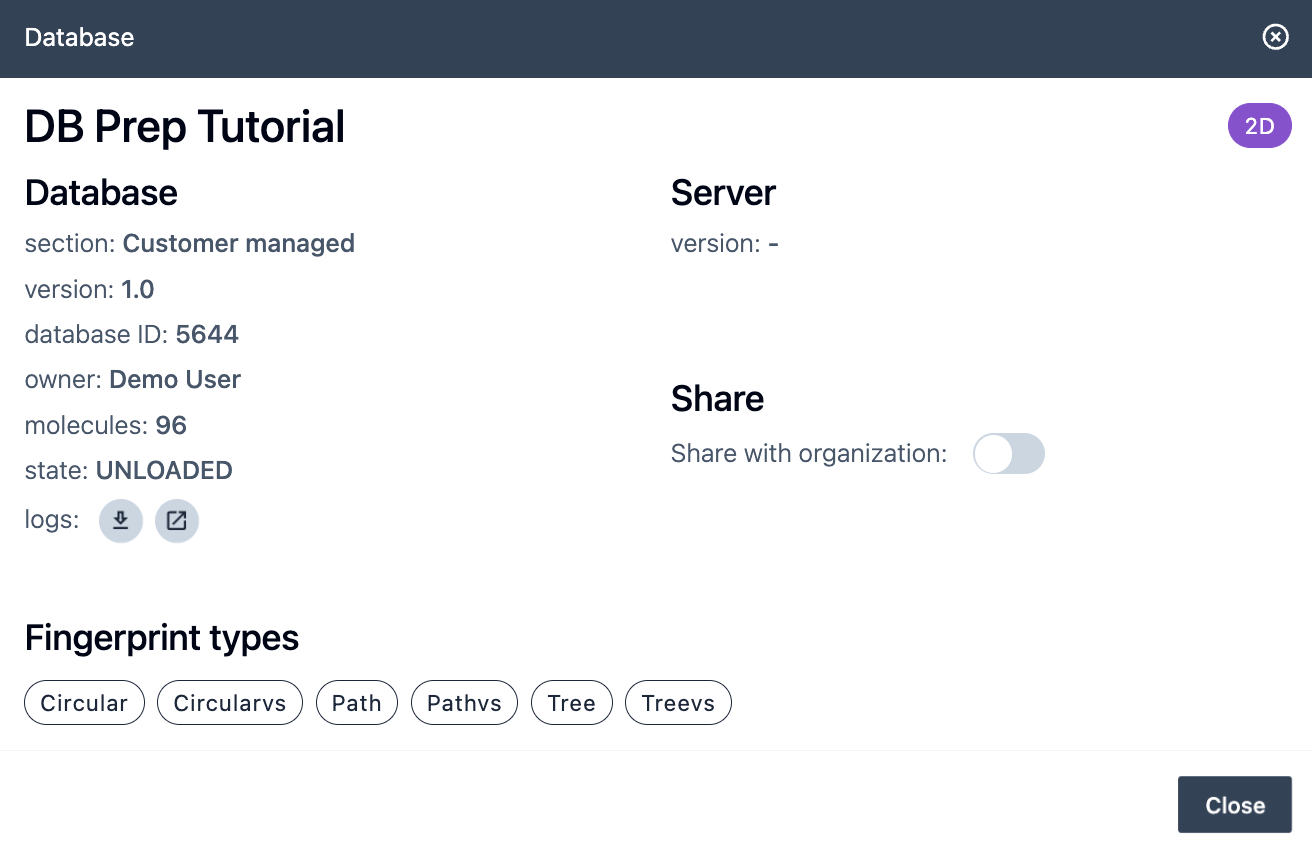
Figure 3. The details for a custom 2D database.
Admins and modelers can create custom databases using the Automated Preparation for Molecule Search Databases Floe. Please see the how-to guide or the custom databases section of the Molecule Search documentation for more information. Documentation for the Molecule Search Database Floes is contained in the appendix of the Orion User Guide.
For a list of recently updated OpenEye-provided Molecule Search databases and the OpenEye Database Curation Policy, please see the database collections information here.